Sinabis Horus: The Law Firm Management Software Built for How Legal Teams Actually Work
AI & Legal Technology · September 15, 2026
Running a law firm involves a lot more than legal work. Keeping track of clients, logging billable hours accurately, sharing cases between colleagues, and turning all of that into invoices at the end of the month takes time that most legal teams do not have to spare. Sinabis Horus is built to take that administrative burden off legal teams and put it in one place that actually makes sense for how lawyers work.
Sinabis Horus is a law firm management platform developed for legal teams that need a clean, reliable system for managing clients, tracking billable time, and creating invoices. It covers the core administrative workflow of a law firm from a single platform, without unnecessary complexity.
The platform is available in both German and English and is set up once for each firm by the X64 Systems team, tailored to the firm's name, address, logo, and brand colours.
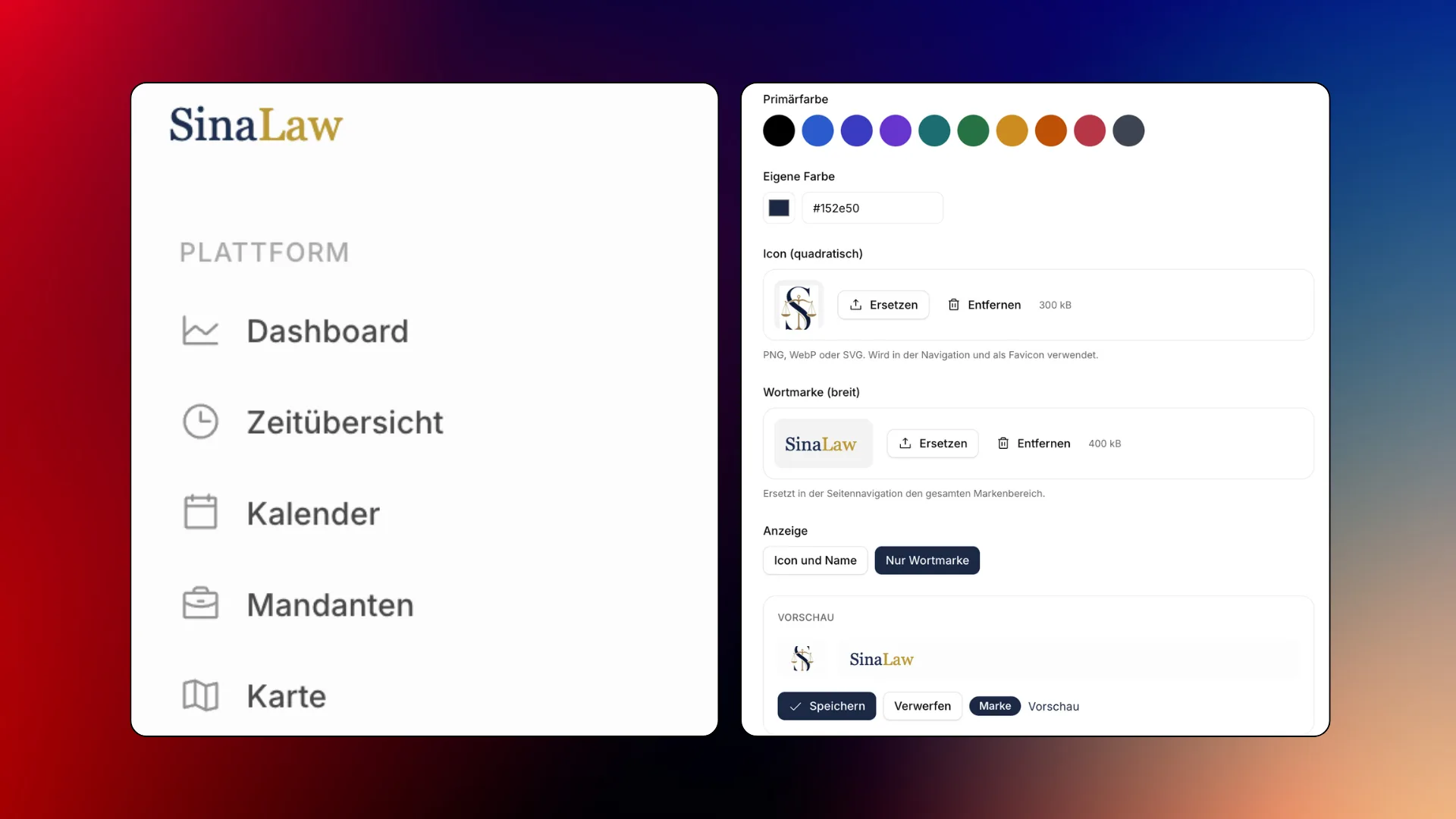
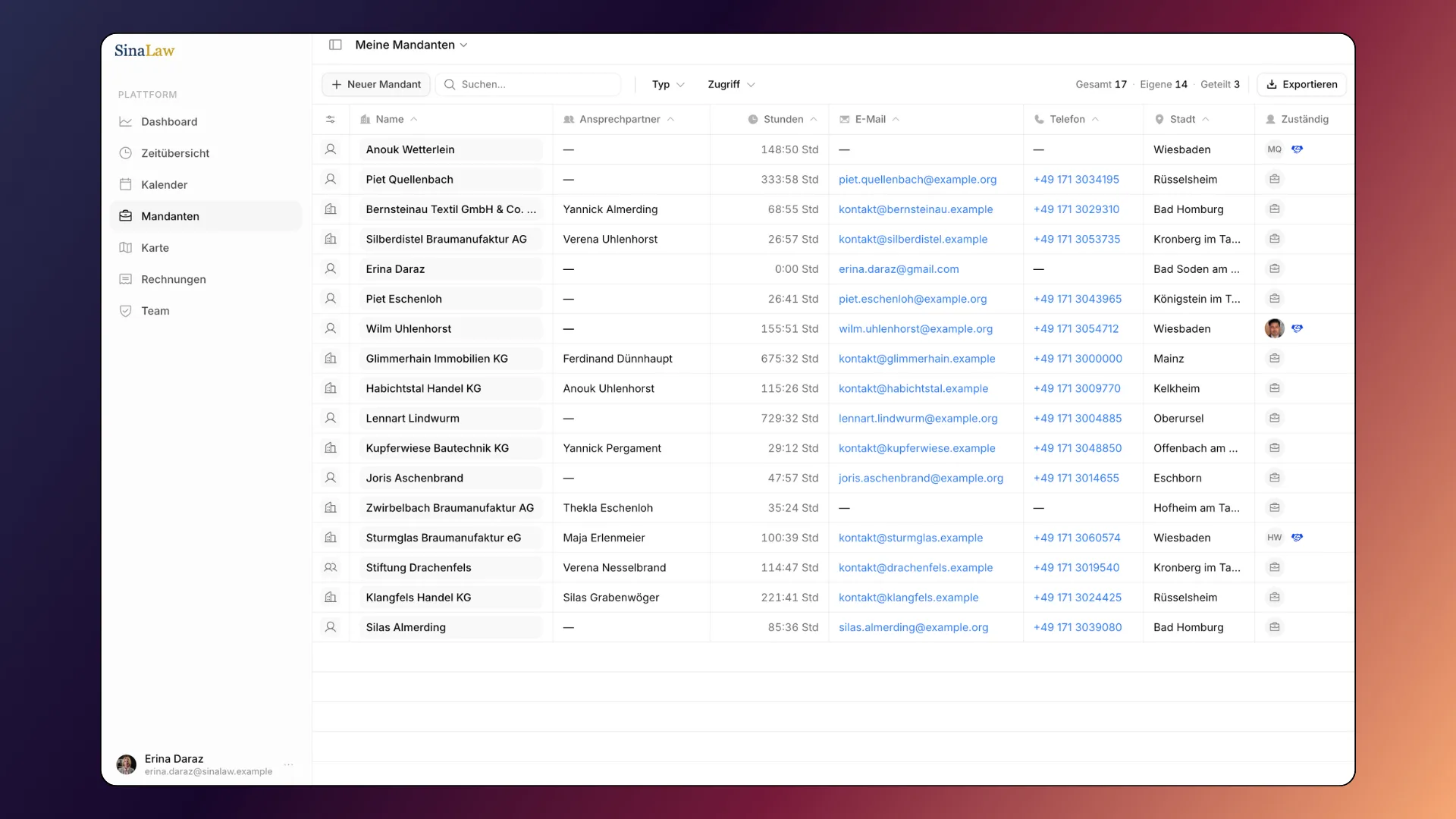
Every client in Horus gets their own dedicated profile. When a new client is added, the basics go in first: name, address, and contact details. From there, additional information can be added over time: bank details, insurance information, contact preferences, and any other details relevant to the matter.
This is standard client management done cleanly. No scattered spreadsheets, no separate systems for contact details and case notes. Everything related to a client sits in one place, accessible to everyone who needs it.
Clients can be shared between team members, so when two lawyers are working on the same matter, both can access the client profile, log their hours, and view each other's entries. This makes collaboration straightforward without creating confusion about who has done what.
Time tracking in Horus is built around how lawyers actually log their work. For each client, team members can create time entries in two ways: by entering the number of minutes or hours worked, or by entering a time range such as 13:00 to 14:00. An optional note can be added to each entry. For example, "court appointment" or "contract review."
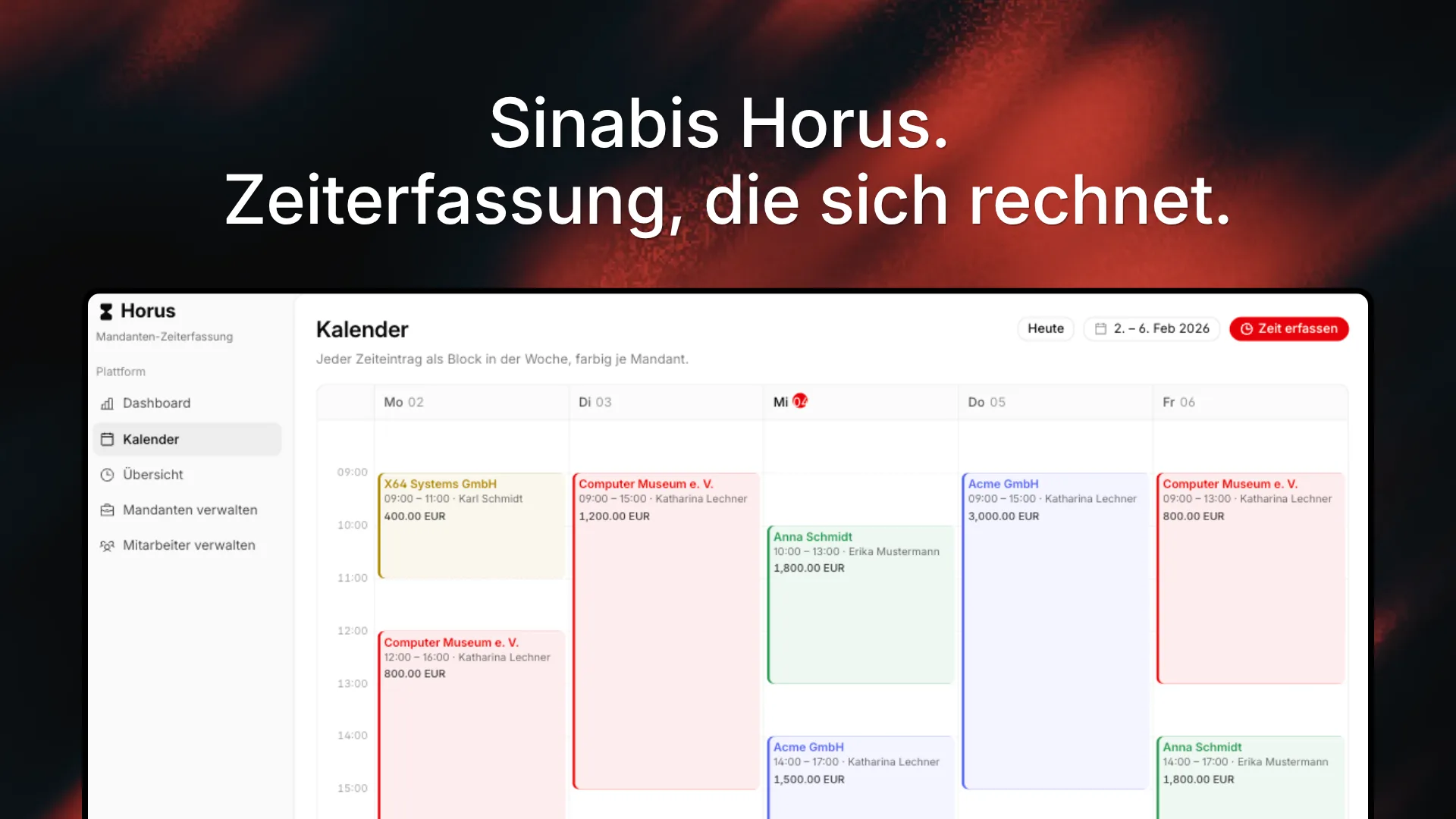
All entries can be viewed in a table format or through a calendar view, giving lawyers a clear picture of where their time has gone across any given period. Entries can also be exported as Excel or CSV files for reporting or external use.
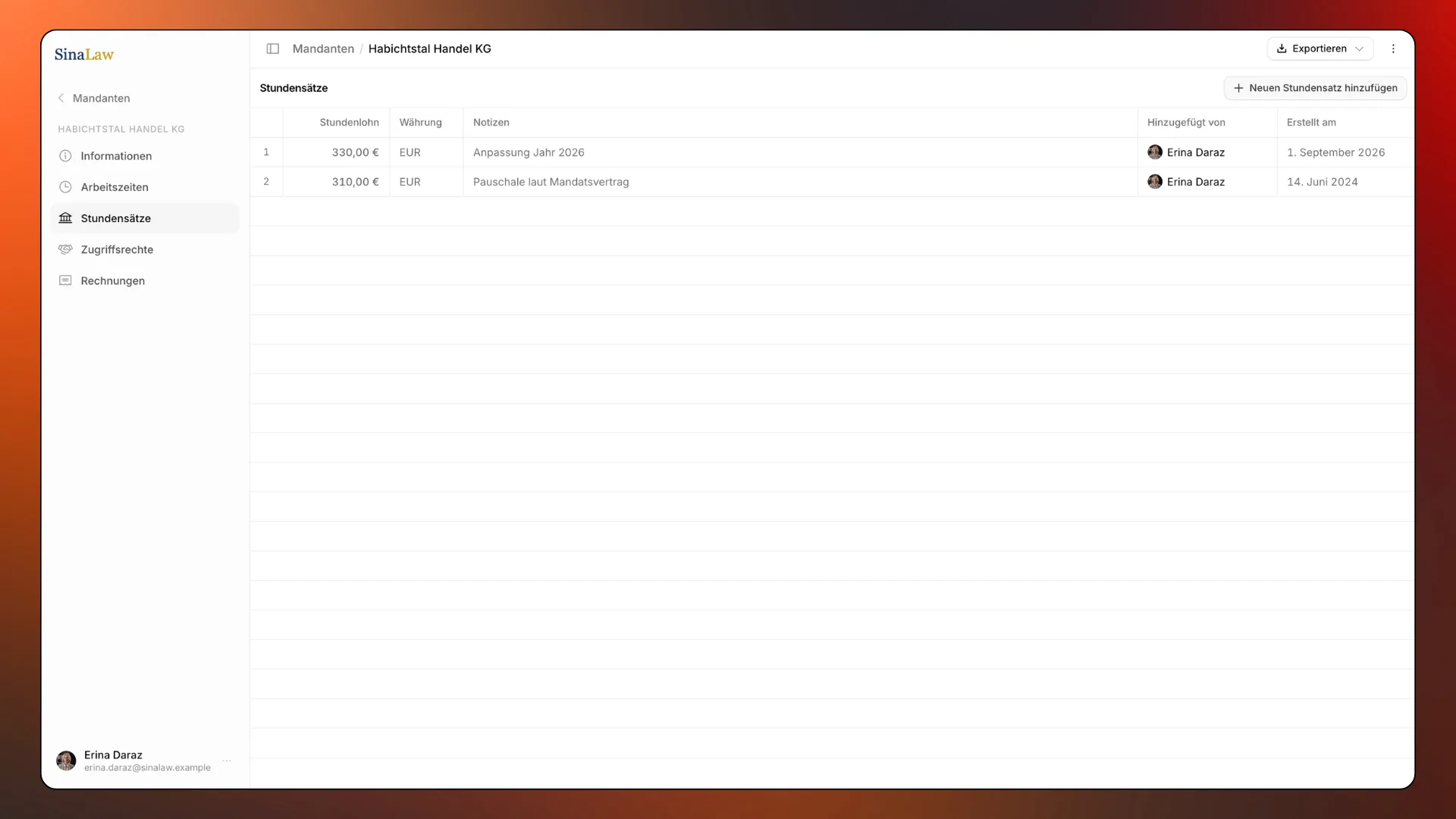
Hourly rates can be set and managed per client. This is particularly useful when a client relationship spans several years and the rate changes over time, or when the rate is agreed dynamically at the start of each matter. Horus stores the rate history so invoices always reflect the correct amount.
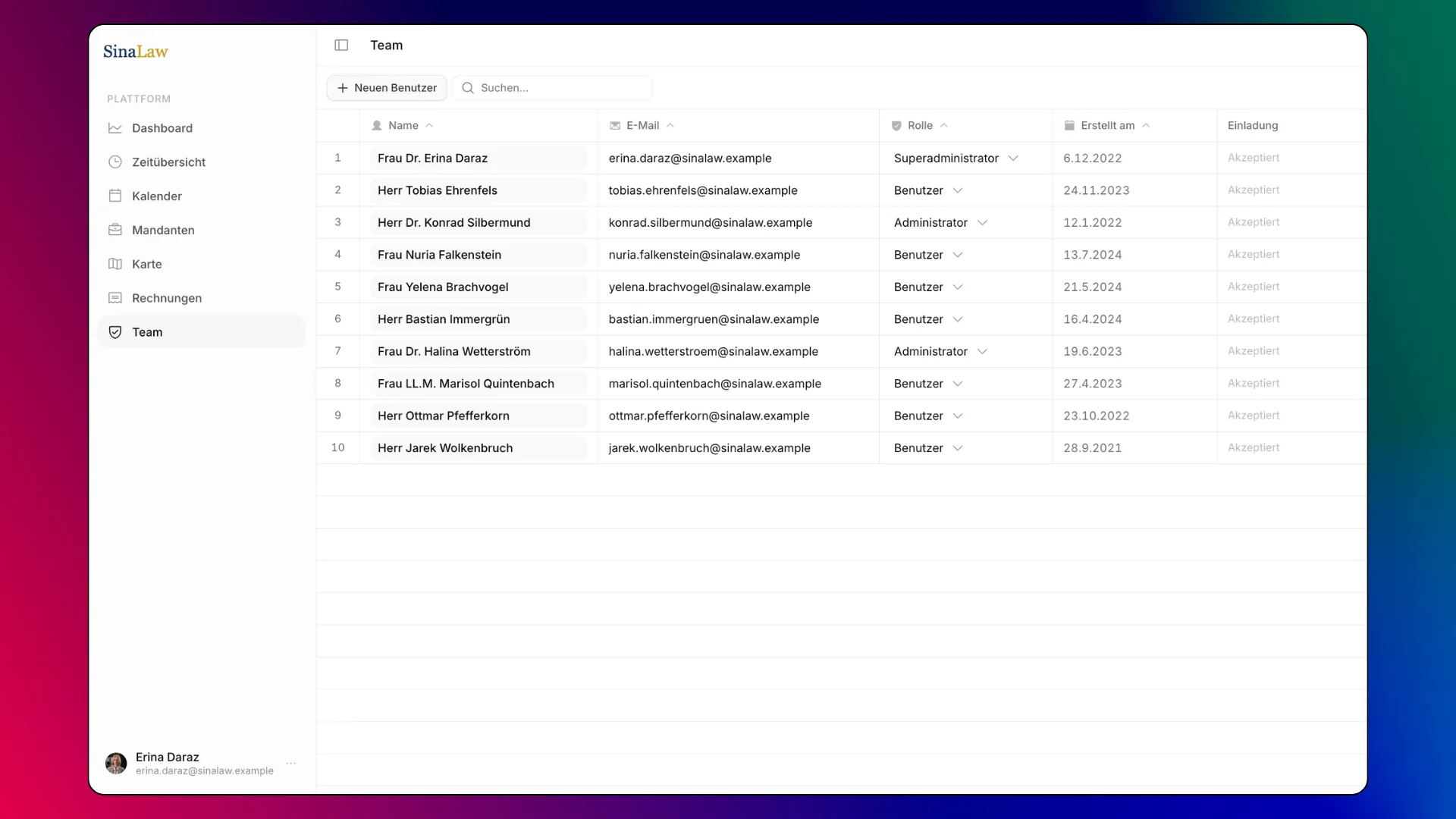
When Horus is set up for a firm, every team member receives a personal invitation by email and sets their own password. From that point, access is controlled through two roles: administrators and members.
Administrators have a full view of everything in the system, all clients, all time entries, all invoices across every team member. In a law firm, this would typically be the partners or managing staff who need oversight of the whole practice.
Members see only their own clients and their own time entries. They cannot see what their colleagues are working on or how many hours others have logged. This separation keeps individual workloads private while still allowing administrators to manage the firm as a whole.
Administrators also have a separate personal view for their own work, keeping their own client matters and time entries distinct from the firm-wide overview. Both views are available from the same account without any confusion.
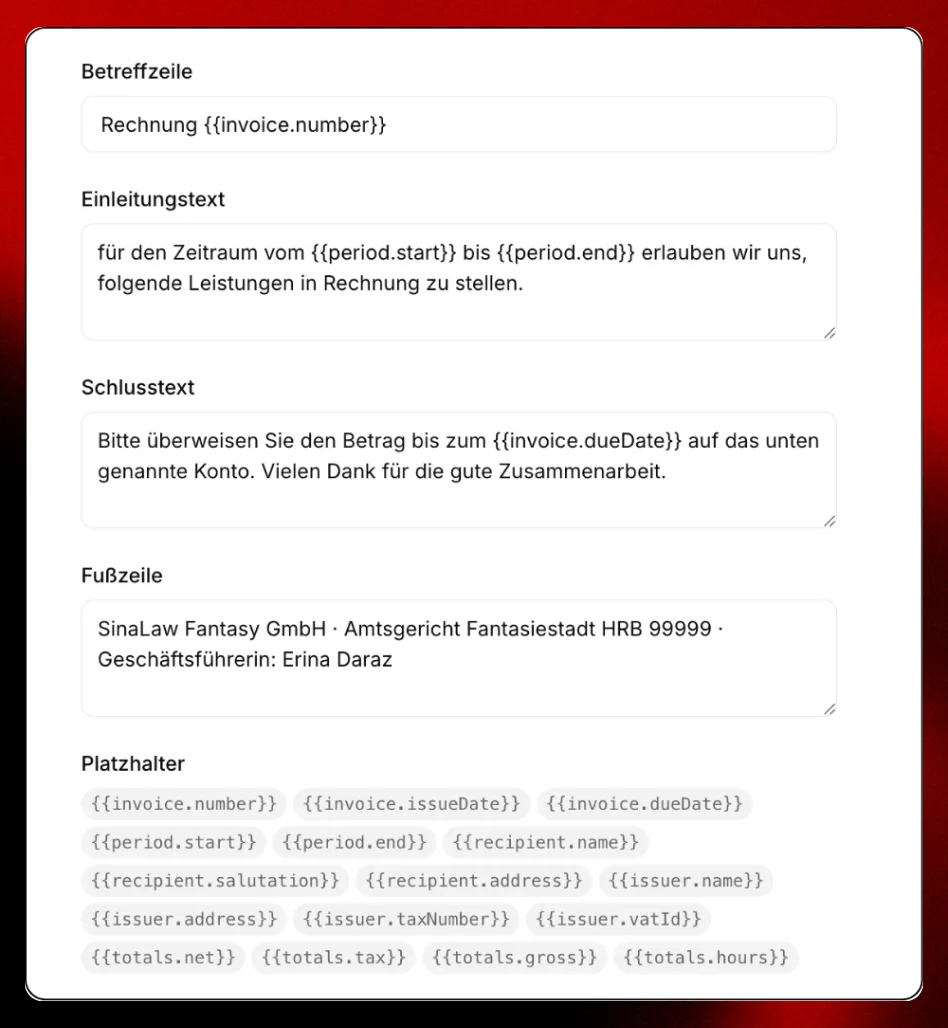
Every client in Horus can have invoices created directly within the platform. When creating an invoice, lawyers can add individual line items manually or select a time period, in which case all open time entries within that period are pulled onto the invoice automatically.
Once an entry has been included on an invoice and marked as paid, it cannot be added to another invoice again. This prevents double-billing without requiring any manual checking.
All invoices across all clients can be viewed from a dedicated invoices tab, giving administrators and billing staff a complete picture of outstanding and settled accounts at any time.
Invoice templates can be customised in detail, including header text, closing text, footer, and placeholder fields such as invoice number, dates, recipient details, tax number, and totals. The initial template setup is handled by the X64 Systems team, though firms can make adjustments themselves if needed.
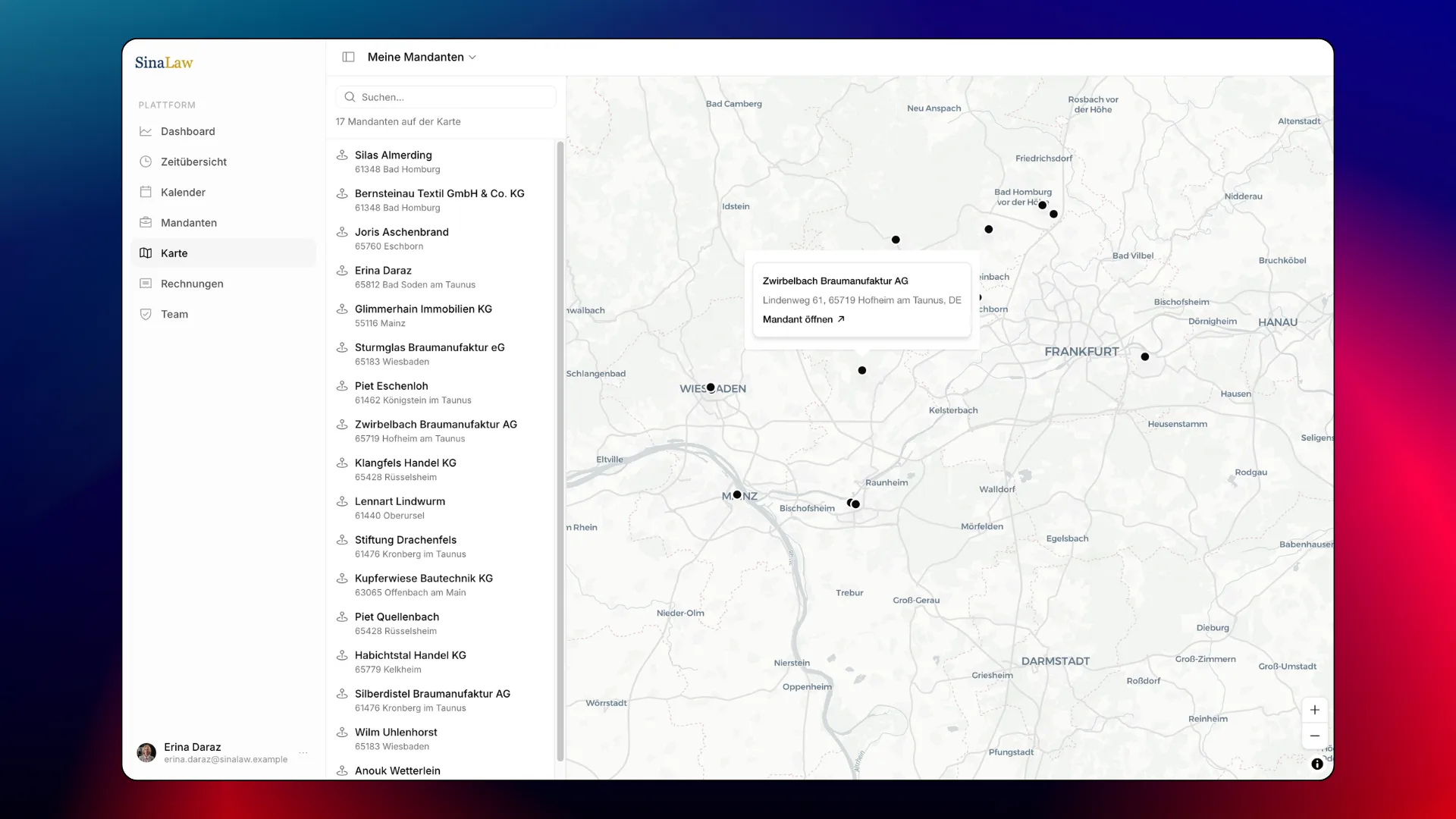
Horus includes a map view that plots all of a lawyer's clients by location. From the map, users can switch directly to Google Maps for navigation or directions. For lawyers who regularly travel to client meetings, this gives a quick visual overview of where their caseload is concentrated and makes planning easier.
The dashboard gives every team member a summary of their own activity: hours logged, clients managed, and billing overview. For administrators, the dashboard shows the same information across the entire firm, giving partners a real-time picture of how the practice is performing without having to pull reports manually.
Sinabis Horus is built for law firms of any size that need a reliable, structured way to manage clients, track time, and handle billing in one place. It works equally well for a solo practitioner managing their own caseload and for a larger firm where partners need visibility across multiple lawyers and matters.
It is particularly well suited to firms that:
→ Need accurate time tracking linked directly to client billing
→ Work with multiple lawyers on shared client matters
→ Want to manage invoicing without switching between systems
→ Need role-based access so partners see everything and associates see only their own work
→ Operate in Germany and need a platform that works in German
Setup is handled once by the X64 Systems team. The firm provides its name, address, logo, and brand colours, and the team configures the platform accordingly. After that, team members receive their invitations by email and the firm is ready to go.
Get in touch with X64 Systems → www.x64-systems.com
Sinabis Analytics GmbH · X64 Forensic GmbH · X64 Systems GmbH
Fatima Naz