What Is a Write Blocker? Hardware vs Software, USB vs SATA, and How to Choose One
On this page
In short, a write blocker is a device or program that lets you read a storage device without changing it. Forensic investigators use it to copy a hard drive, SSD or USB stick while the original evidence stays exactly as it was. Hardware write blockers are the safer choice when evidence has to stand up in court, and they come in versions for USB and SATA drives.
What Is a Write Blocker?
A write blocker sits between a storage device and the computer that reads it. It lets data flow in one direction only. The computer can read everything on the drive, but it cannot write anything back to it.
In other words, a write blocker is the tool that prevents an investigator's system from changing a hard drive that is under investigation. That is why it is the first piece of equipment in almost every digital forensic case, and why international guidelines such as ISO/IEC 27037 stress that original evidence must not be altered.
Why Plugging In a Drive Changes It
Most people think a drive only changes when you save or delete a file. In reality, a computer starts writing to a drive the moment it is connected.
- The operating system updates timestamps such as the last time a file or folder was accessed.
- File systems write small entries to their journal when a drive is mounted.
- Search indexing, thumbnail caches and antivirus scans can add or change data automatically.
- A single click on a prompt such as "Scan and fix drive" can rewrite parts of the file system.
Each of these changes may look small. In court, they give the other side a reason to question whether the evidence is still original. A write blocker removes that doubt before it starts.
See in 38 seconds how one careless click can change your evidence.
If you cannot prove the evidence was not changed, it does not matter what it shows.
Hardware vs Software Write Blockers
There are two types of write blockers. Both aim to stop writes, but they work in very different ways.
A hardware write blocker, often called a physical write blocker, is a separate device. It sits between the drive and the computer and blocks write commands at the interface itself, so it works no matter which operating system you use.
A software write blocker is a program or a system setting on the computer. It tells the operating system to treat the drive as read-only. It costs less, but it depends on the computer being set up correctly, and an update or a wrong setting can switch the protection off.
| Feature | Hardware write blocker | Software write blocker |
| How it works | Blocks write commands at the interface | Tells the operating system to mount the drive as read-only |
| Depends on the operating system | No | Yes |
| Risk of human error | Low, the protection is always on | Higher, settings can be wrong or reset |
| Cost | Higher, one device per interface | Lower, often included in forensic tools |
| Best for | Evidence that may end up in court | Quick triage or lab tests |
Many forensic labs use both. Software write blocking helps for quick checks, while a hardware write blocker protects every acquisition that may later be used as evidence.
USB, SATA and Other Interfaces: Which One Do You Need?
A write blocker has to match the connection of the drive you want to secure.
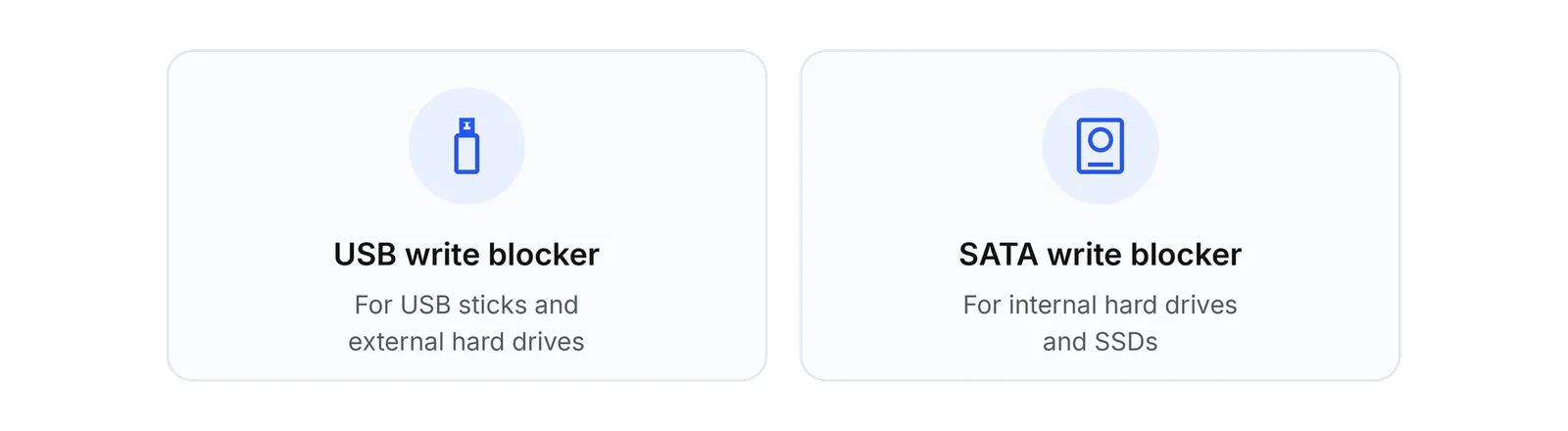
- USB write blocker. This is the right choice for USB sticks, external hard drives and many portable devices.
- SATA write blocker. This is the standard for internal hard drives and SSDs from laptops, desktops and servers.
- Other interfaces. Drives with NVMe, SAS, IDE or memory card connections need dedicated blockers or suitable adapters.
Most investigations involve USB and SATA drives, which is why many teams start with one write blocker for each.
How to Use a Write Blocker Step by Step
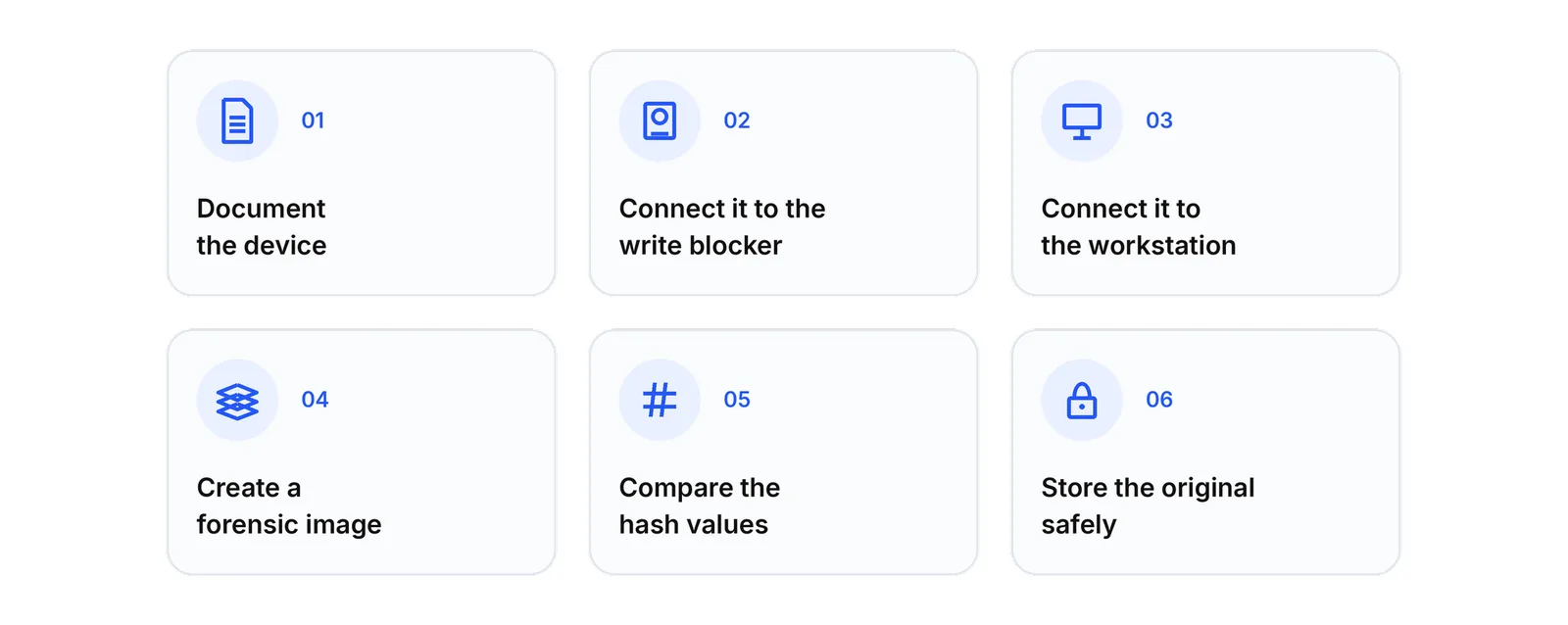
- Document the device. Photograph the drive, note its serial number and record who handled it and when.
- Connect the drive to the write blocker. Never connect the drive directly to your computer first.
- Connect the write blocker to your forensic workstation. Check that the status light shows read-only mode.
- Create a forensic image. Make a bit-for-bit copy of the whole drive, for example in E01 or raw format.
- Calculate and compare hash values. Matching hash values prove that the copy is identical to the original.
- Store the original safely. From now on, all analysis happens on the copy, and the original stays sealed.
These steps create a clear chain of custody, which is the record that turns data into evidence a court can trust. The Scientific Working Group on Digital Evidence (SWGDE) publishes detailed best practices for this kind of acquisition.
How to Choose the Right Write Blocker
When you compare write blockers, look at these six points.
- Interfaces. Make sure the device supports the drives you work with most, usually USB and SATA.
- Independent testing. Check whether the model has been tested, for example in the NIST Computer Forensics Tool Testing program.
- Speed. A fast connection saves hours when you image large drives.
- Clear status display. An LED that shows read-only mode lets you confirm the protection at a glance.
- Portability. If you work on site, a compact device or a complete write blocker kit makes life easier.
- Support and documentation. Good documentation helps you explain your method when you have to defend it.
What Is in a Write Blocker Kit?
A write blocker kit usually contains the write blocker itself, the matching cables, a power supply and sometimes adapters for other drive types. Everything comes in a case, so investigators can take it to a crime scene, an office or a data centre and start working right away.
The Sinabis Writeblocker
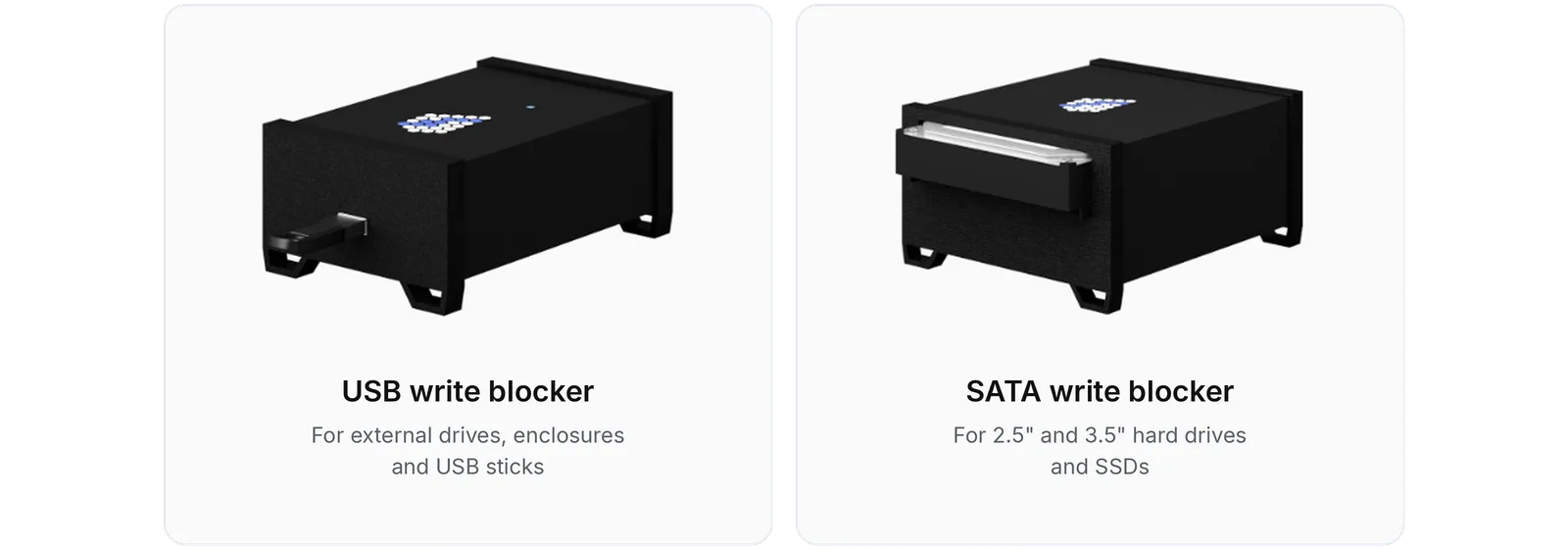
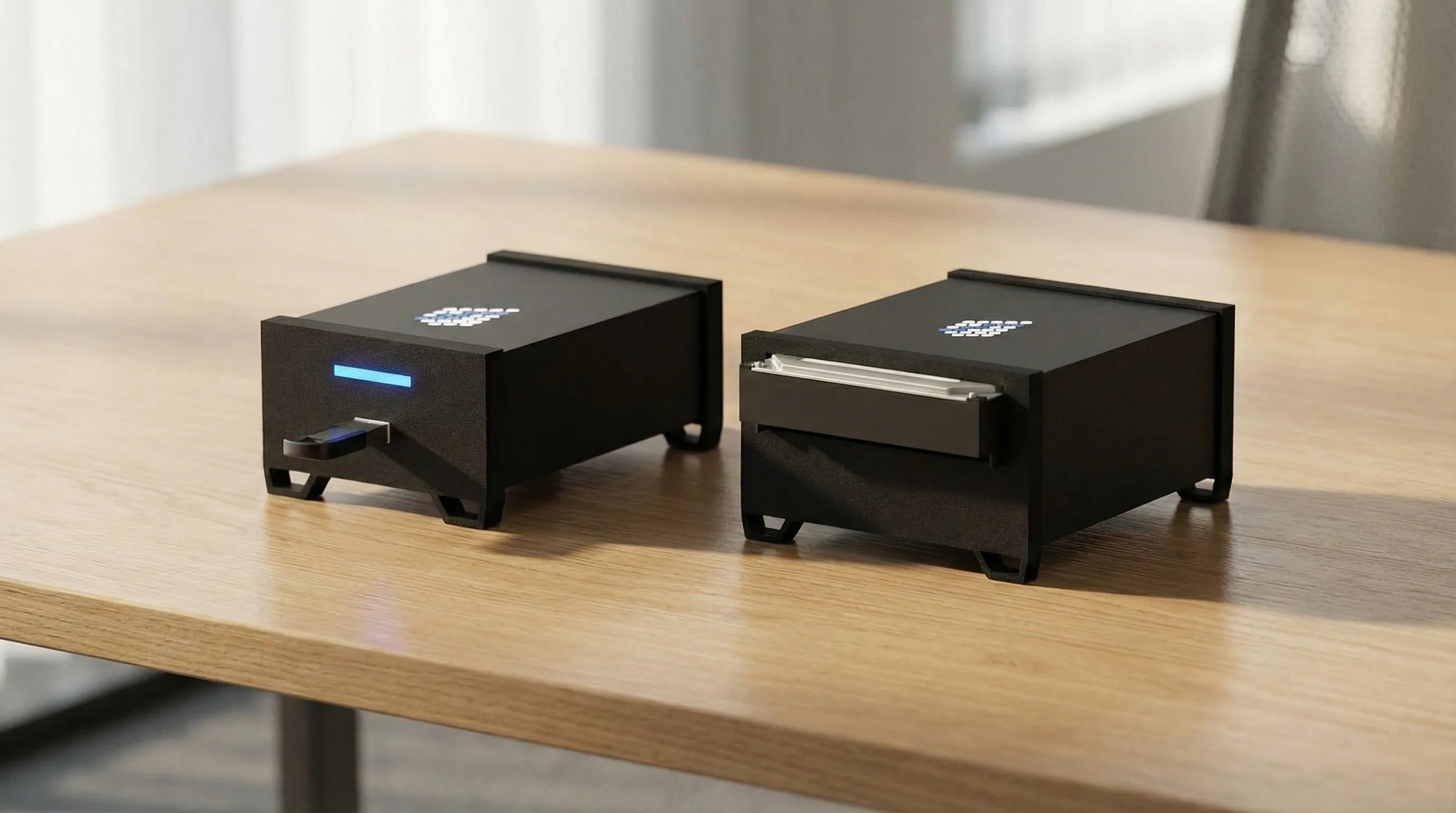
The Sinabis Writeblocker is a hardware write blocker developed in Germany by Sinabis GmbH. It enforces write protection in the hardware itself, so the original drive cannot be changed while you create your forensic copy.
- It is available as a USB model and as a SATA model.
- The SATA model has been tested by NIST.
- It is used in daily casework by our own forensic experts at X64 Forensic GmbH.
Once your forensic image is ready, you can process it in Sinacluster and search it with Sinabis Inspector, so the chain of custody stays intact from the first drive to the final report.
Want to buy a write blocker? You can order the Sinabis Writeblocker directly in our shop.
Frequently Asked Questions
What we get asked most often about this topic. If your question is missing, write to office@sinabis.com.
A write blocker is a device or program that allows read-only access to a storage device. It prevents the computer from changing the drive, so the evidence stays original.
A hardware write blocker is a separate device that blocks write commands at the interface. A software write blocker is a setting or program that makes the operating system treat the drive as read-only.
Yes. A USB stick changes as soon as an operating system mounts it, so a USB write blocker is needed if the data may be used as evidence.
A court wants proof that the evidence was not changed. A hardware write blocker makes that proof much easier, which is why most forensic labs use one for evidence.
A SATA write blocker secures internal hard drives and SSDs from laptops, desktops and servers during forensic imaging.
You can order the Sinabis Writeblocker as a USB or SATA model in the Sinabis shop, or contact our team for advice.
Need a write blocker for your team?
Whether you are building a new forensic lab or replacing old equipment, we help you choose the right model, USB or SATA.

Available Monday to Friday, 9:00 to 18:00 (CET).